That's the quiet tax of creative work: the decisions after the creation. You've got three versions of a jingle, two vocal takes, a handful of instrumental mood options — and no clean way to compare them without burning out your attention span. You end up picking the one you heard most recently, or the one that happened to be playing when the client was in the room.
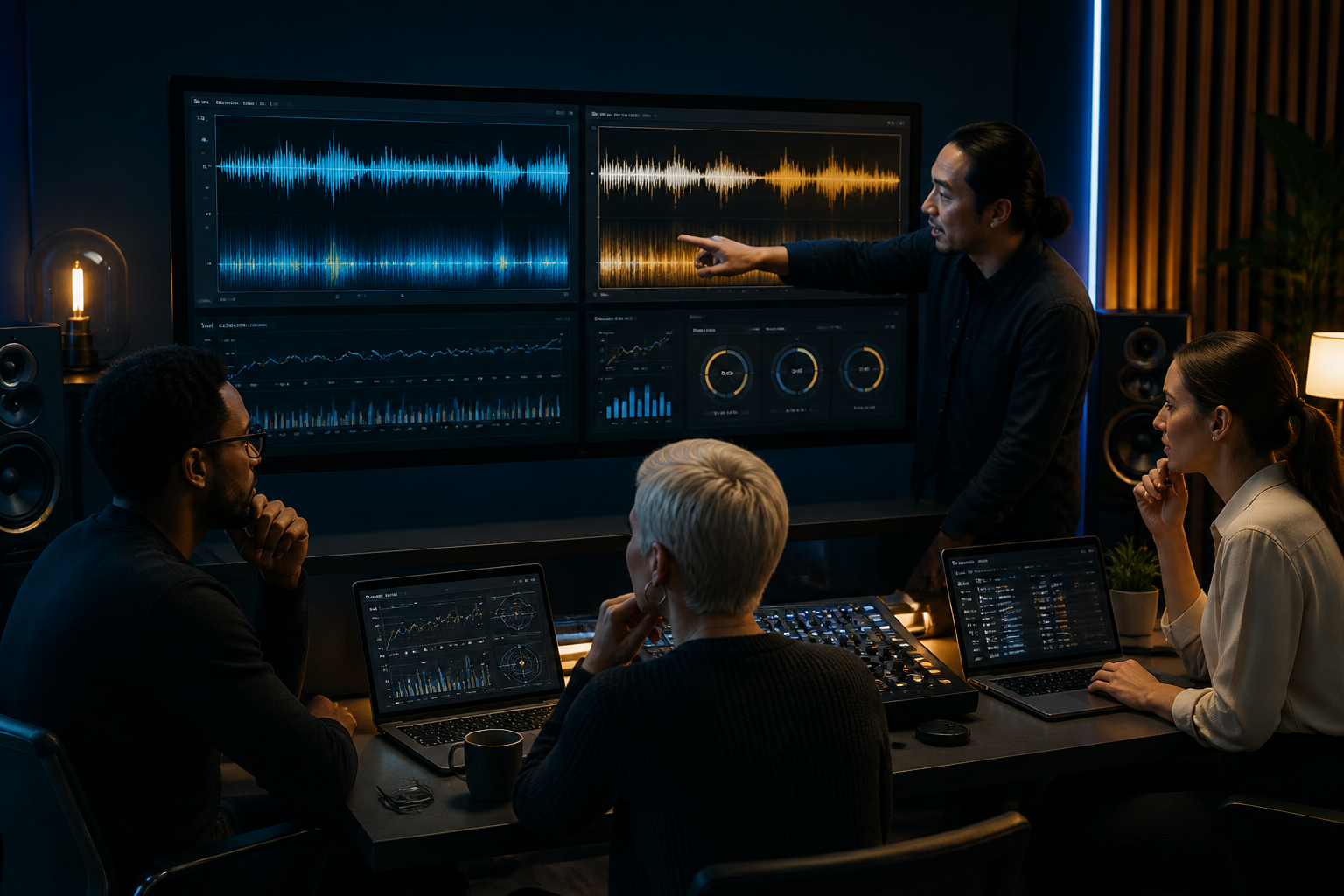
Listen Lab exists for exactly that moment. It's not where you make the music — that's what Music Studio is for. Listen Lab is the room where you audition it, side by side, with a live spectrum view and mood insights so your ears get a second opinion from the data.
This article is for anyone on a Prime AI Team workflow who creates audio and then has to choose: solo creators, small agency teams, podcast producers, marketers building sonic branding, and anyone who's ever lost an afternoon to "wait, was that version better?"
Why Comparing Audio Takes Is Harder Than It Looks
Here's the thing nobody tells you about audio decisions: human auditory memory is embarrassingly short. By the time you've finished listening to take B, the details of take A have already faded. You're not comparing two tracks — you're comparing one track against a vague emotional impression of another. That's a terrible way to make a call that a client or an audience will live with.
The problem compounds in modern work. Content moves fast. A marketing team might need background music for six different video edits by Friday. A freelancer producing a podcast intro might generate five candidate stingers before lunch. The volume of creative options has exploded — AI makes generating variations cheap — but the evaluation step hasn't kept pace. You can create ten takes in ten minutes and then spend two hours choosing between them.
And the stakes aren't trivial. Audio carries emotional weight that text and visuals can't. The wrong tempo makes a product demo feel sluggish. A mood that's slightly too melancholy undercuts an upbeat ad. A vocal take with the right energy but worse timing versus one with perfect timing but flat delivery — these are real tradeoffs, and they're hard to hold in your head.
Most people solve this by committee or by gut. They play clips in a meeting and ask "which do you like?" — which gives you the loudest opinion in the room, not the best decision. Or they default to whichever file they rendered last. Listen Lab's whole reason for existing is to replace that fuzzy process with something you can actually see and compare.
What Listen Lab Actually Does (and Doesn't)
Let's be precise, because the boundaries matter. Listen Lab is a playback and comparison environment. It's the place inside your Prime AI Team workflow where finished or near-finished audio goes to be judged.
What it gives you:
- Side-by-side take comparison. Load multiple versions of the same piece and switch between them instantly — no re-queuing, no hunting through files. Your ears stay in the comparison, not in the file manager.
- Live spectrum visualization. As a track plays, you see its frequency content in real time. That brightness in the high end, the muddiness in the low-mids, the gap where a vocal should sit — you can literally see the differences your ears are trying to describe.
- Mood insights. The AI reads the emotional and energetic character of each take, so "this one feels warmer" becomes a reading you can point at instead of a feeling you have to argue about.
Now, what Listen Lab is not, because this trips people up:
- It is not where you create music. That's Music Studio. If you want to generate, arrange, or produce a track, you open the studio. Listen Lab assumes the music already exists.
- It is not a dashboard. You won't find project analytics, team KPIs, or revenue charts here. It's a focused listening room, not a command center.
- It is not a release or documentation tool. It doesn't generate liner notes, distribution metadata, or compliance paperwork. It helps you decide; other parts of your AI team handle ship.
Keeping these lanes clear is what makes the tool fast. Listen Lab does one job — helping you hear and choose — and it doesn't clutter that job with features that belong elsewhere. When you know it's playback-only, you stop looking for buttons that aren't there and start making the decision you came to make.
A Framework for Choosing the Right Take
Having the tool is half of it. Having a repeatable way to use it is what turns a four-hour deliberation into a twenty-minute decision. Here's a framework that works well inside Listen Lab.
Step 1: Define the one thing that matters most
Before you listen to anything, write down the single primary job of this audio. "Energetic enough to open a product launch video." "Warm and trustworthy for a financial brand." "Playful without being childish." One sentence. This becomes your tiebreaker when takes feel equally good.
Step 2: Load everything at once
Don't compare takes serially over the course of a day. Bring all your candidates into Listen Lab in one sitting. The side-by-side design exists precisely so you can flip between them while the previous one is still fresh in your ears. Context switching kills audio judgment; a single focused session preserves it.
Step 3: Listen blind first, then check the spectrum
Do one pass purely by ear. Rank them before you look at any visuals — this keeps you from talking yourself into a preference the data suggested. Then bring up the live spectrum. Often the spectrum confirms your gut ("yeah, take B does have more presence up top"). Sometimes it reveals why a take felt off ("there's a resonant spike making it harsh"). Either way, you're pairing instinct with evidence.
Step 4: Cross-reference mood insights against your Step 1 sentence
Now check the mood reading against the one thing that matters most. If your brief said "warm and trustworthy" and the take you loved reads as "tense and driving," that's a real conversation to have — maybe your gut was chasing excitement when the brief wanted calm.
Step 5: Make the call and move on
Pick one. Note why in a sentence. The note matters because the next time a stakeholder asks "why this version?" you have an answer rooted in the brief and the data, not "it felt right."
This framework takes the emotional thrash out of audio decisions. You're not flip-flopping; you're running a process.
How Your AI Team Makes the Whole Loop Work
Listen Lab is one station on a longer assembly line, and the magic is how it hands off to — and receives from — the rest of your Prime AI Team.
The loop usually looks like this. You start in Music Studio, where the actual creation happens: you describe what you want, generate variations, and shape arrangements. Music Studio is where hits get made. When you've got candidates worth comparing, they flow into Listen Lab for the audition. You decide. Then the winning take moves on to wherever it's going next in your workflow — a video edit, a podcast timeline, a campaign asset.
The reason this split works is specialization. A creation environment and an evaluation environment have genuinely different jobs, and cramming them together makes both worse. Music Studio is optimized for generating and iterating. Listen Lab is optimized for focus and comparison — stripped down on purpose so nothing distracts you from the single decision in front of you.
Consider a few real-world shapes this takes:
-
A boutique podcast studio generating intro stingers for a new client show. The producer runs five options through Music Studio in the morning, then spends fifteen minutes in Listen Lab that afternoon, flipping between them with the spectrum up. The client wanted "confident but not corporate" — mood insights flag which two takes actually land there, and the producer ships a decision by end of day instead of dragging it across a week.
-
A solo marketing freelancer building background beds for a six-part video series. She needs consistency across episodes. Listen Lab's side-by-side view lets her check that episode three's bed sits in the same tonal and energy range as episode one — the spectrum makes mismatches obvious before a client notices them on the timeline.
-
A two-person agency team that used to argue in meetings about which jingle "felt better." Now they each do a blind listen in Listen Lab, note their pick and reasoning, then reconcile. The mood insights give them shared vocabulary, so the debate is about the brief instead of whose taste wins.
In every case, the AI agents do the heavy lifting of generation and analysis, and the human does the one thing humans are still best at: judging whether it serves the actual goal.
When to Chat With Dex vs. Open the Studio
One decision people get stuck on: do you talk to Dex, the Music Producer, or do you just open the studio yourself? They're different modes, and knowing which to reach for saves time.
Chat with Dex when you're figuring out what you want. Dex is your producer-in-conversation. You go to Dex when the brief is fuzzy, when you want to talk through direction, when you're not sure whether you need an upbeat pop bed or something more ambient, or when you want a second creative brain to bounce ideas off. Dex is for the thinking-out-loud phase — "I've got a 30-second ad, the brand is a coffee roaster, I want it to feel cozy but awake, what should we try?" That's a Dex conversation.
Open the studio when you know what you want and you're ready to make it. Music Studio is for execution. If you already have a clear direction — tempo, mood, length, vibe — you don't need to chat it through; you open the studio and generate. Opening the studio directly is the fast path when the creative decision is already made.
And of course, go to Listen Lab when you have takes to compare. Dex helps you decide what to make. The studio makes it. Listen Lab helps you choose the best version of what got made. Three stations, three jobs.
A good rule of thumb: if you'd describe your current state as "I'm not sure," talk to Dex. If it's "I know, let's build it," open the studio. If it's "I've built it, now which one?", that's Listen Lab. The same project will usually pass through all three — Dex to shape it, the studio to make it, Listen Lab to pick the keeper.
What Most Tools (and Most People) Get Wrong
The biggest mistake isn't technical — it's treating audio evaluation as an afterthought. People invest enormous energy in creating and then make the final choice in thirty distracted seconds. Here are the traps worth avoiding.
Comparing takes at different volumes. Louder almost always sounds "better" to the human ear, even when it isn't. If one take is mastered hotter, it'll win every blind test for the wrong reason. Pay attention to this when you compare — the spectrum view helps because loudness differences show up visually, not just as a vague "this one pops more."
Judging in the wrong environment. A take that sounds perfect on studio monitors can fall apart on laptop speakers or earbuds — which is where most of your actual audience lives. Don't make the final call only on gear your listeners will never use.
Letting recency bias decide. The last thing you heard always feels freshest. That's why serial, day-spread comparison is so unreliable and why Listen Lab's side-by-side, same-session design exists. Flip back and forth; don't let whichever track happened to play last claim the win.
Confusing "technically cleaner" with "right for the brief." The most polished take isn't always the best one. A slightly rawer vocal might carry more emotion; a less perfect mix might have more character. The spectrum tells you what's clean; your Step 1 sentence tells you what's right. Don't let the data overrule the purpose.
Expecting the tool to do the whole job. Here's the honest limit: Listen Lab helps you hear and compare, but it doesn't replace human judgment or professional context. For anything involving licensing, rights clearance, or distribution compliance, you still need the right documentation and, where stakes are high, a licensed professional. Mood insights and spectrum views inform a creative decision — they're not legal or commercial sign-off. Treat the tool as a sharp assistant, not an oracle.
Questions people ask
Can I create or edit music inside Listen Lab?
No — and that's by design. Listen Lab is a playback and comparison environment only. All creation, generation, and arrangement happens in Music Studio, where the tools are built for making tracks. Listen Lab assumes your audio already exists and focuses entirely on helping you compare takes, see live spectrum visualizations, and read mood insights. If you're in Listen Lab and realize a take needs changes, you head back to Music Studio to make them, then bring the revised version back for another comparison. Keeping creation and evaluation in separate rooms is what keeps each one fast and focused.
What do the mood insights actually measure?
Mood insights are the AI's reading of a track's emotional and energetic character — things like warmth, tension, energy, and overall vibe — translated into something you can see and compare rather than just feel. The value isn't that the AI "knows" the right mood; it's that it gives you and your team shared, pointable vocabulary. Instead of arguing about whether a take "feels corporate," you can check the reading against your brief. Use it as a second opinion that confirms or challenges your ears, not as the final word. Your creative judgment, measured against the actual goal, still makes the call.
How is the live spectrum useful if I'm not an audio engineer?
You don't need engineering expertise to benefit. The live spectrum turns invisible audio differences into a visual you can actually point at. If one take sounds "muddier" or "brighter" and you can't say why, the spectrum shows you — more energy down low, a dip where a vocal should sit, a harsh spike in the highs. Even as a non-engineer, you'll quickly learn to associate what you see with what you hear, which makes your comparisons faster and your feedback to Dex or your studio sessions more specific. It's a learning aid as much as a decision aid.
When should I chat with Dex instead of just using the tools myself?
Chat with Dex, your Music Producer, when you're in the thinking phase — when the brief is fuzzy or you want a creative second opinion on direction before anything gets made. If you already know exactly what you want, skip the conversation and open Music Studio directly to build it. And once you've got takes to compare, go to Listen Lab. A simple test: if your sentence starts with "I'm not sure," talk to Dex; if it starts with "I know what I want," open the studio; if it's "which of these is best," open Listen Lab.
Does Listen Lab handle release or distribution tasks?
No. Listen Lab is deliberately not a release tool, a dashboard, or a documentation system. It won't generate metadata, liner notes, distribution files, or compliance paperwork. Its entire job is helping you hear and choose the best take. Once you've made that decision, the chosen audio moves on to whatever handles your next step — a video edit, a podcast timeline, or a release workflow elsewhere. Keeping Listen Lab focused on playback and comparison is intentional: it does one thing well instead of becoming a cluttered everything-tool. For rights and compliance specifically, remember that human and professional review still matter.
The Decision Room Your Audio Deserves
Creating audio has never been easier. Choosing the right version — that's where good projects quietly stall. The producer flipping between two mixes for four hours wasn't bad at his job; he just didn't have a room built for the decision he was trying to make.
That's what Listen Lab is: a focused room where your AI team hands you finished takes and gives your ears a second opinion from live spectrum and mood insights. Music Studio makes the hits. Dex helps you shape what to make. Listen Lab helps you pick the keeper — fast, with evidence, and without the recency-bias thrash that burns afternoons.
If you create audio inside a Prime AI Team workflow and you've ever lost time to "wait, which one was better?", the natural next step is to spend fifteen minutes actually comparing takes the right way.
Try Listen Lab and hear the difference — side by side, this time.