Use this if you need a current photo for LinkedIn, a résumé, a speaker bio, or a team page and want it to read as professional without hiring out a full shoot. It applies whether you shoot with a phone, book a photographer, or generate a portrait.
Work through the sections in order. The last one is a pre-shoot checklist you can copy before you take or upload anything.
Pick a background that fits your field
The background sets expectations before anyone reads a word. A blurred office signals corporate; a colored wall signals creative. Pick one that matches how your audience expects your field to look.
Avoid busy backgrounds that compete with your face: bookshelves with readable titles, doorways, plants directly behind your head. If in doubt, a plain neutral tone works for every industry.
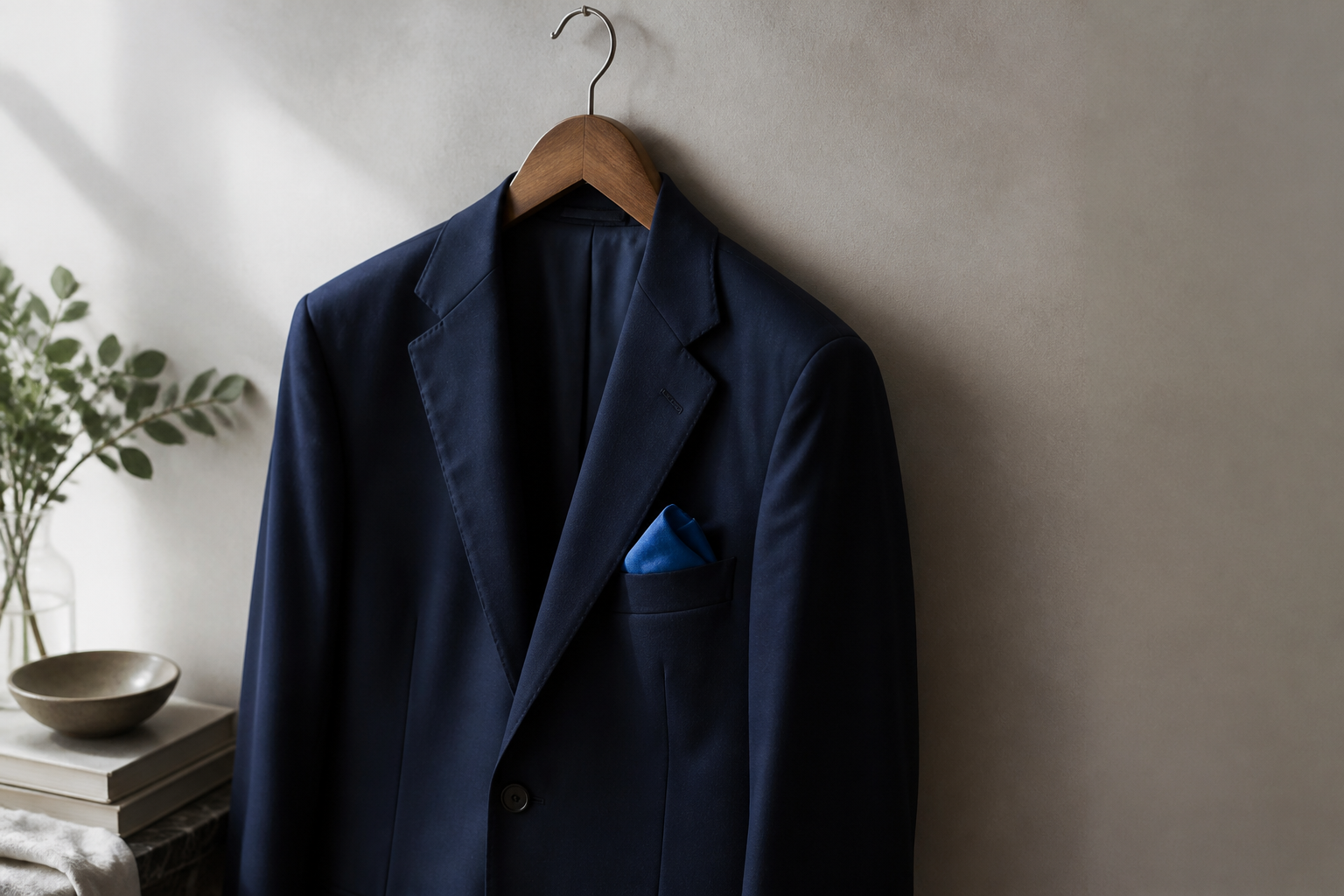
Choose clothing that photographs well
Mid-tone colors hold detail in a photo better than extremes. Pure white forces the camera to darken the whole image to compensate, which can make your face look dull; pure black turns into a flat shape with no texture.
Tight patterns create a moiré effect — a wavy shimmer — when fine lines fall close to the pixel grid. Stick to solids or large, simple shapes. For necklines, a collar or crew looks clean in a tight crop; anything too low pulls attention away from your face.
Get the framing and crop right
A head-and-shoulders crop fills the frame with your face, which is what reads at small sizes. Put the eyes on the upper-third line so the face sits high and balanced rather than floating in the middle.
Common display sizes:
| Use | Shape | Minimum size |
|---|---|---|
| LinkedIn profile photo | Square | 400×400 px (displays small and round) |
| Résumé / bio thumbnail | Square or portrait | 300×300 px and up |
| Team / about page | Square or portrait | Follow the site's spec; 600×600 px is safe |
| Conference speaker bio | Often requested larger | Ask for their spec; supply 2K if unsure |
Set resolution for screen and print
Screens show roughly 72–96 pixels per inch, so a modest file looks sharp online. Print needs about 300 DPI (dots per inch) to look crisp, which takes far more pixels for the same physical size.
Here's the math. At 300 DPI, a 5×7 inch print needs 1500×2100 px. A 2K file (around 2048 px wide) covers that comfortably; a 1000 px screen file would print blurry at that size. Larger prints need more — that's why 4K matters if you don't yet know the final use.
If you're unsure whether a file is large enough for a given print, run the numbers with the Print DPI / Pixel Calculator before you export.
Keep an AI portrait looking like you
A generated portrait is still your professional identity. If it doesn't look like the person who shows up to the meeting, it fails its one job — and it can read as deceptive on a résumé or team page.
Favor results that keep your features, lines, and proportions. Watch for over-smoothed skin, altered eye spacing, and extra-even teeth; those are the tells. The goal is a polished version of you, not a different person.
How to prioritise
Fix these in order. The top rows cost little and change the result most.
| Issue | Impact | Effort |
|---|---|---|
| Camera above eye level | High — distorts face | Low |
| Crop not head-and-shoulders | High — reads poorly small | Low |
| Pure white/black or tight patterns | Medium — detail and shimmer issues | Low |
| Background wrong for field | Medium — sets wrong expectation | Medium |
| Resolution too low for print | High if printing | Low — re-export |
| Over-processed / doesn't look like you | High — credibility | Medium |
Questions people ask
What size should my LinkedIn photo be?
Upload a square image at least 400×400 px; larger is fine and uploads better. LinkedIn displays it as a circle, so keep your head centered with margin around it so nothing important gets clipped.
Do I need a professional photographer?
Not necessarily. A phone at eye level, soft window light, a plain wall, and a correct crop covers most needs. Hire a photographer when you need print-quality files or a consistent set for a whole team.
Can I use the same headshot everywhere?
Yes, and consistency helps people recognize you across LinkedIn, your résumé, and bios. Export one square version for profiles and keep the full-resolution original for anything that might be printed.
Next step
Copy this before you shoot or upload:
PRE-SHOOT CHECKLIST
[ ] Background chosen to match my field
[ ] Solid mid-tone top, simple neckline, no tight patterns
[ ] Camera at eye level, stepped back
[ ] Soft light on my face (window or diffused)
[ ] Framing: head-and-shoulders, eyes on upper third
[ ] Exporting 2K or 4K if print is possible
[ ] Final image still clearly looks like me
If you'd rather generate it, the Photography Studio takes a photo of yourself, an occasion preset, and a backdrop, then exports 2K/4K print-ready portraits with Julian and Aria guiding the setup. And if the headshot is for a job application, the AI Resume Builder gives you an ATS-ready preview to pair with it.